If you run a dive shop on an island, you know the sound of the power going off. The fan stops, the router goes dark, and for a moment everyone looks at the one screen that showed the day.
We build DiveHive in Puerto Galera, where this is ordinary, and it shapes what we make. The question we ask is not “what if the signal drops?” It is “which parts of the day cannot wait for it to come back?”
What has to keep working
A dive day has a rhythm that does not stop for an outage. The boat leaves at the same time, divers arrive at the desk, and the guide still has a group of people to brief and count. If we list what needs to work without a signal, it is short.
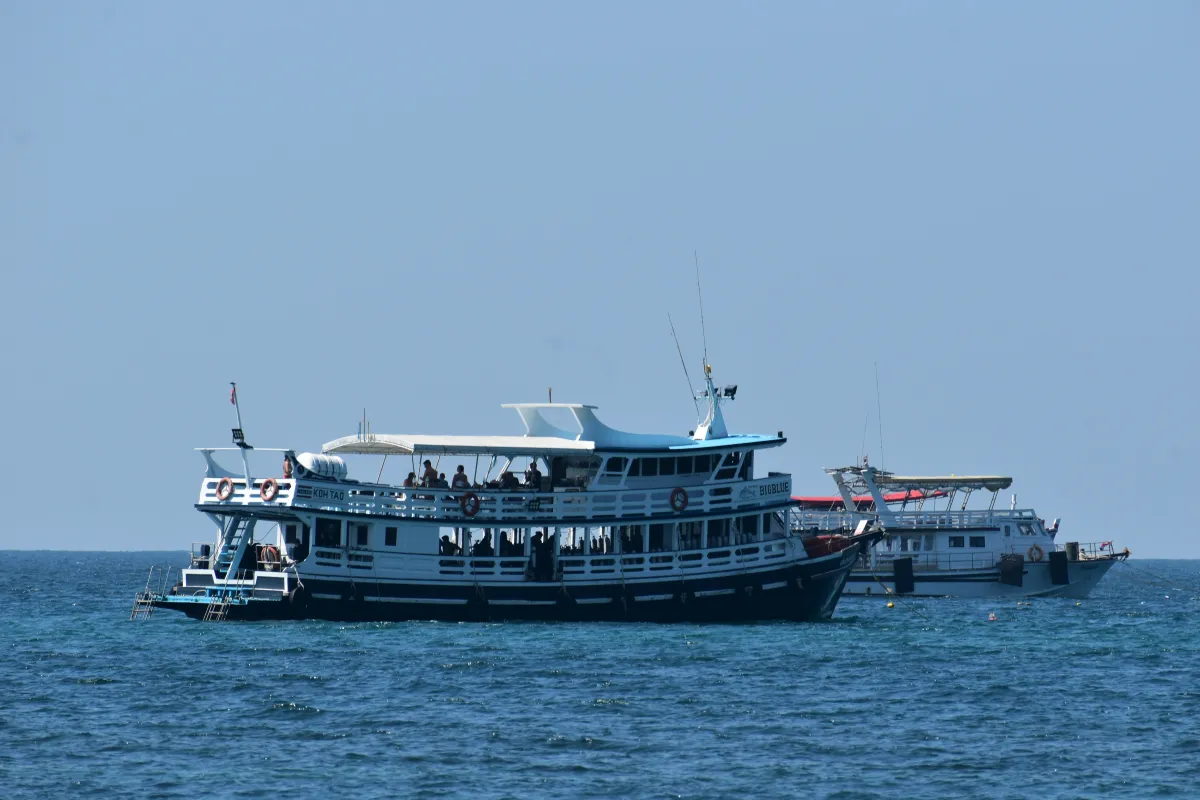
- Today’s trips. What is going out, when, on which boat and with whom, as last known.
- Check-in. Knowing who has arrived and who has not.
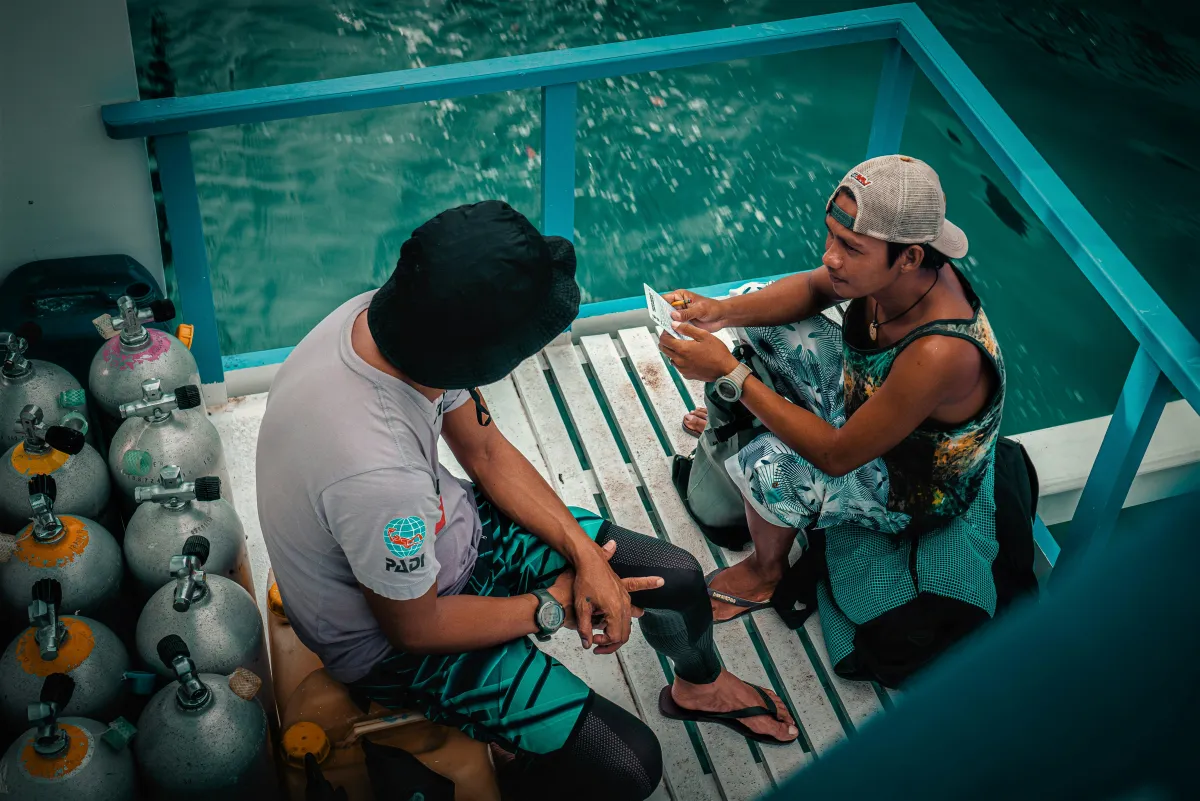
- The log. The guide writing down what happened on the dive, on the boat, before there is a signal.
- The briefing area. The screen where the day is shown, and the briefing itself.
Anything that can wait, such as a new booking request or a report, can wait. The list above cannot.
Offline by default
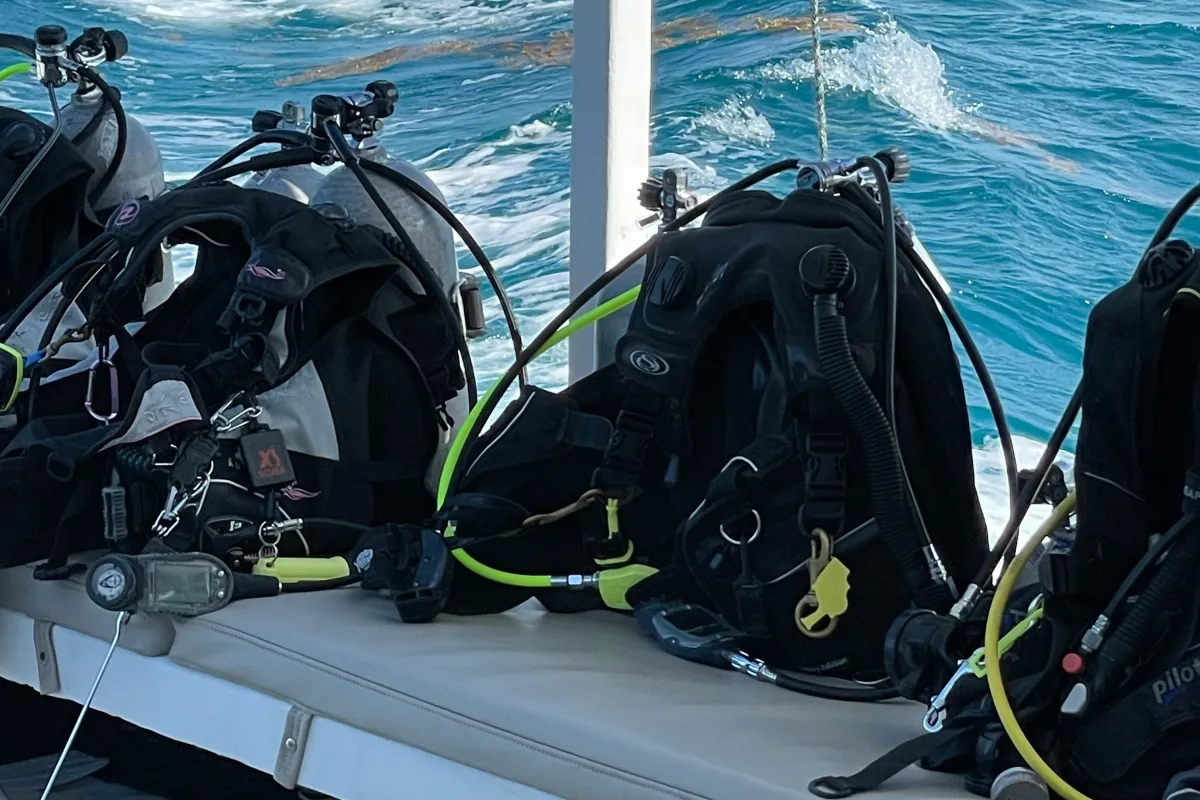
DiveHive is built so that check-in, group logs, the counter and the Board keep working offline and sync once the signal is back. A diver’s personal check-in code can be scanned at the desk without a connection, and it shows whether the waiver and medical for that shop are done. A guide can write the group log on the boat with no signal at all and let it send later.
Offline queues
When a phone is offline, what you enter is held on the device and synced when the connection returns. Nobody needs to remember what they entered while the signal was down, and nobody should have to type it twice.
Stale since
An offline screen that looks live is worse than a screen with an honest label. So every screen that shows data says how old it is. The Board, for instance, shows a “stale since” mark with the time of its last update when it loses its connection, so nobody reads a four-hour-old schedule as current.
A screen that is out of date should say so.
The Board after a power cut
The briefing area screen is the one most likely to lose power, since it often sits on a cheap PC or a TV that gets switched off at the wall at night. The DiveHive Board is designed to start again by itself after a power cut. It does not need someone to log in or press a key. It shows the day it last knew, marks it as stale if it is offline, and catches up when the signal returns.
It runs as a pure display. It never scrolls and takes no input, so there is nothing to click on when it restarts and nothing a visitor can break by touching it. You can read more on the Board page.
What to do on your side
Software helps, but a shop does better with a few habits. These are general practice, not a promise that nothing will ever fail.
- Print the day’s schedule in the morning, or keep it somewhere your phone can read without signal.
- Keep a paper copy of the manifest for each boat, so the people ashore and aboard hold the same list.
- Agree who calls whom if the network is down, and write the numbers on a card, not only in a phone.
- Test your setup once. Switch off the router for ten minutes on a quiet day and see what you can still do.
Not everything can work offline. A booking request from a diver, for instance, needs a connection to reach you. The aim is for the dive day itself, the part that happens on the boat and at the desk, to carry on.
Why we start there
Most software assumes a connection and adds offline mode later, if at all. On an island that order is backwards. If the day itself keeps working, the rest can catch up. If you want to see how the schedule, check-in and the Board fit together, the FAQ has a short answer on offline use, and the Board page shows the screens.